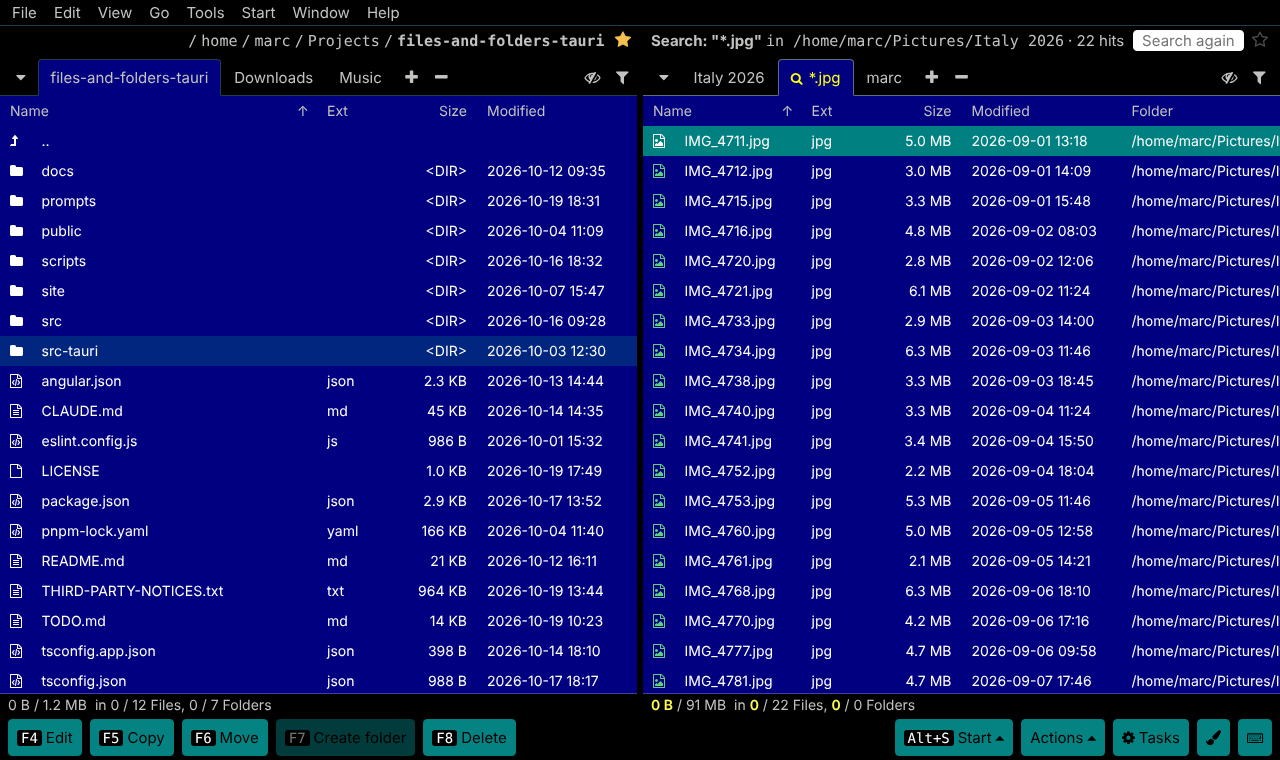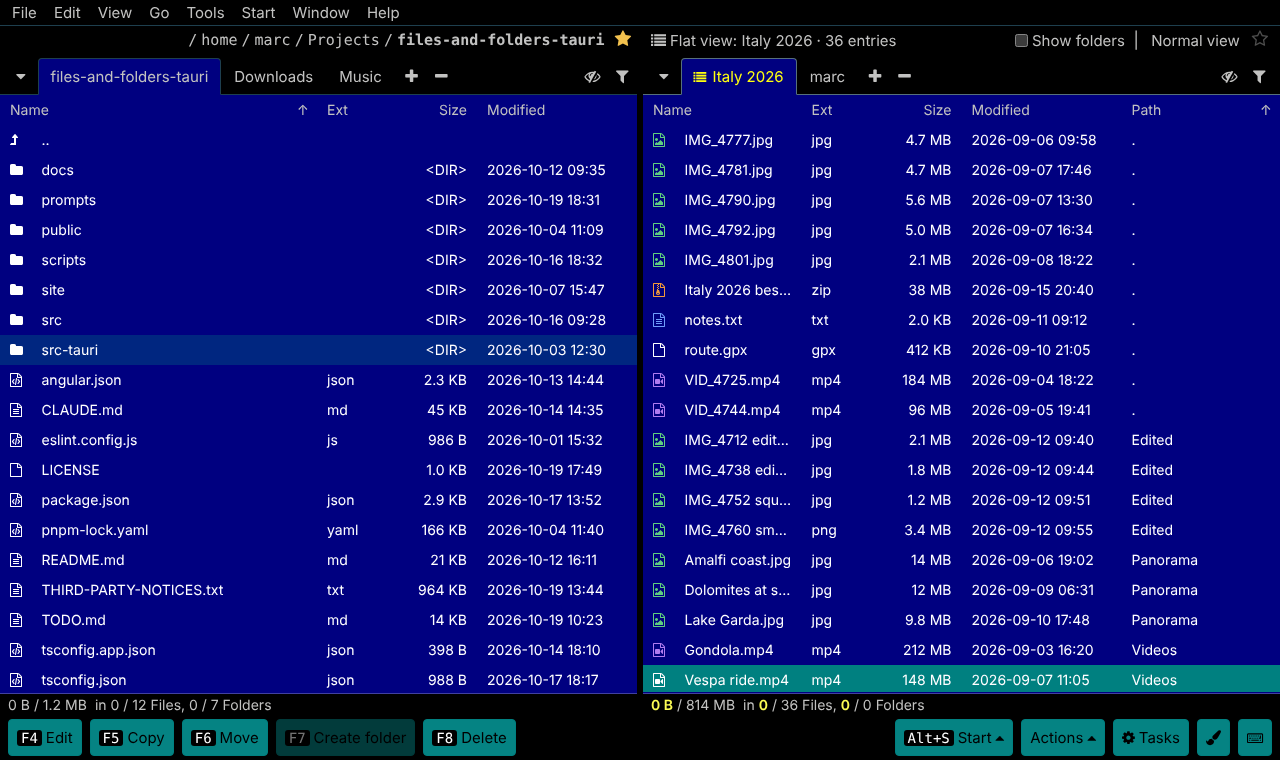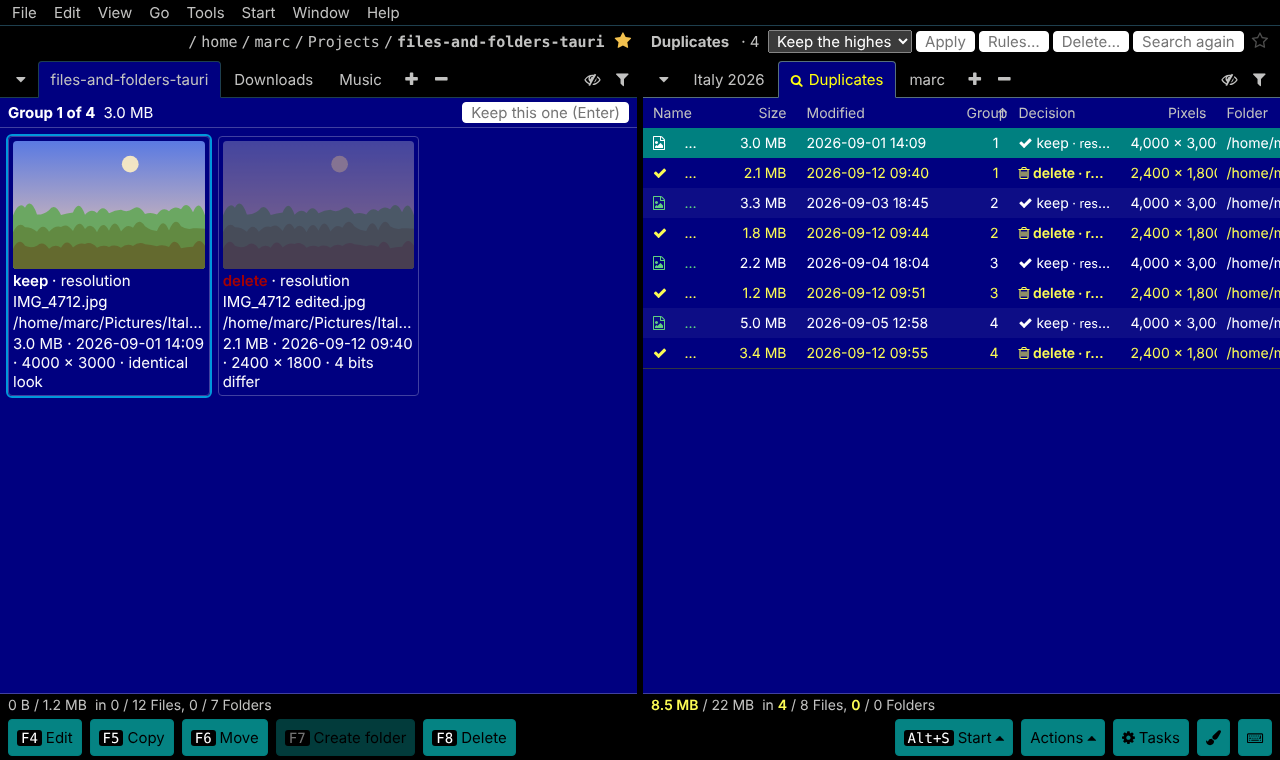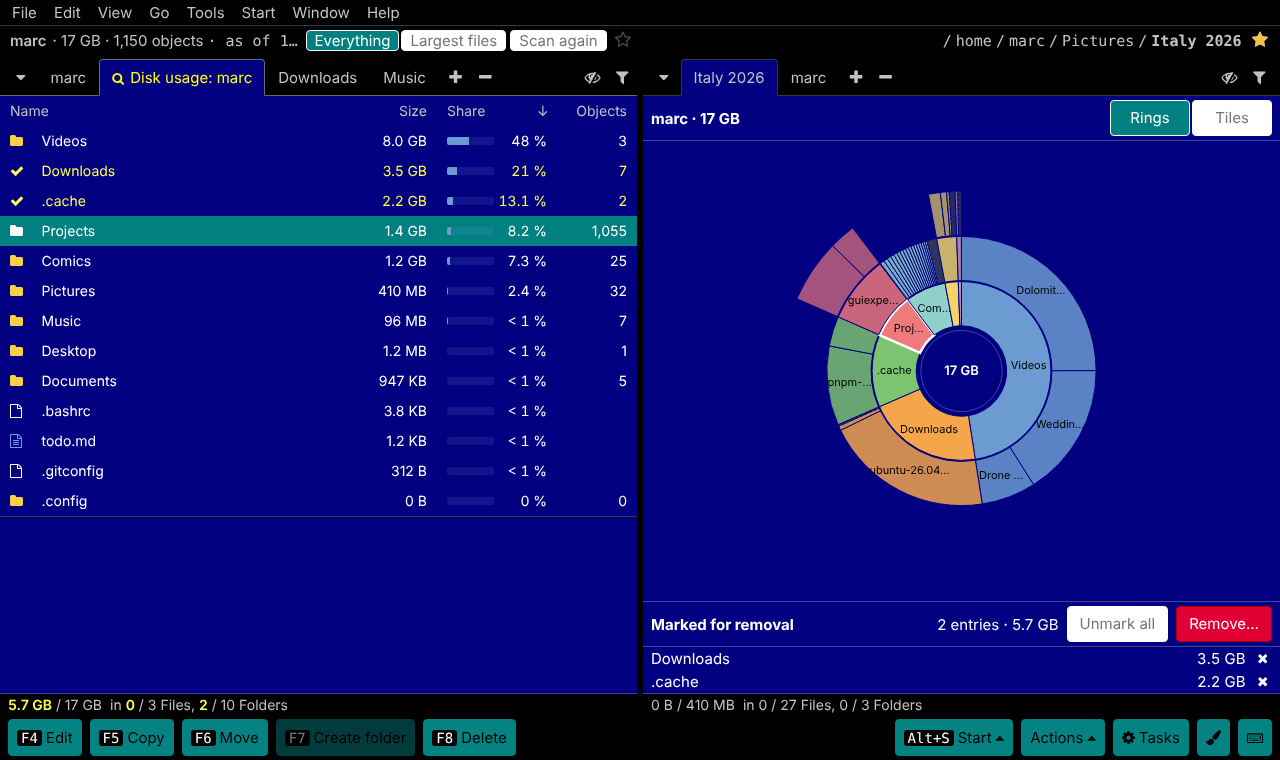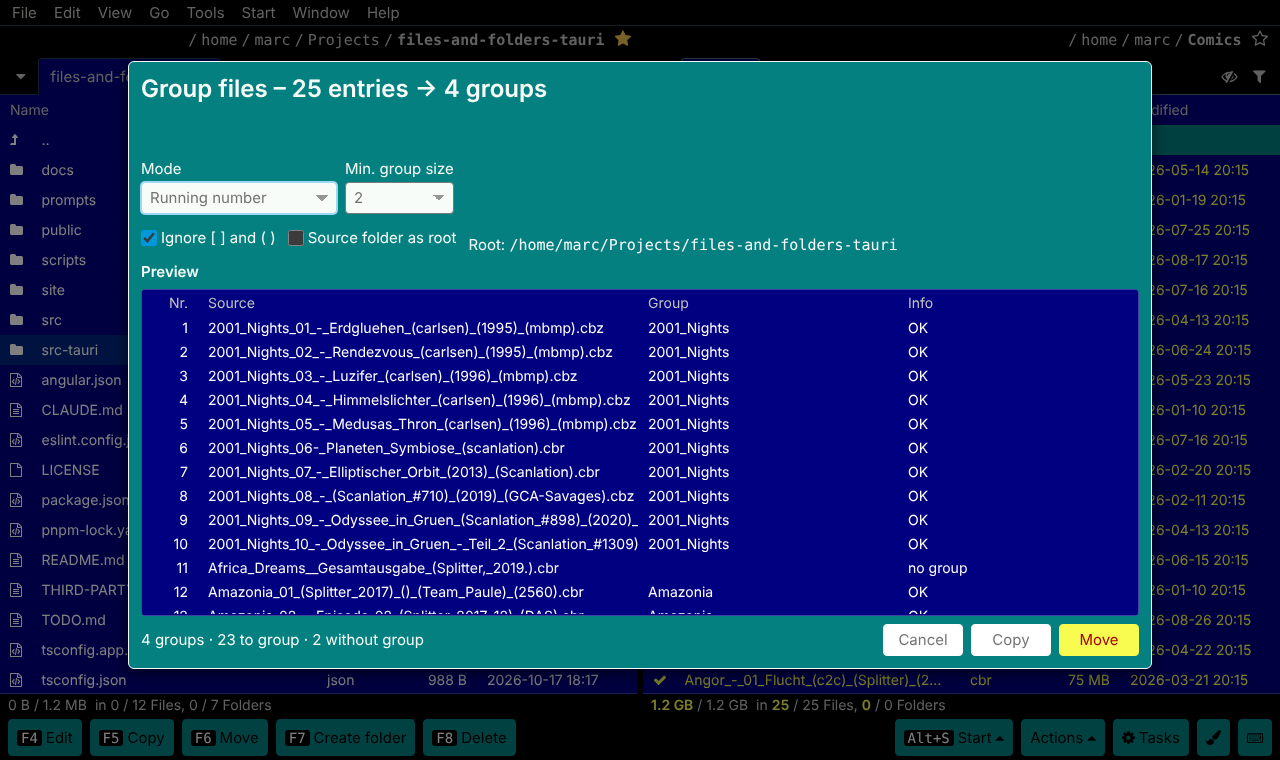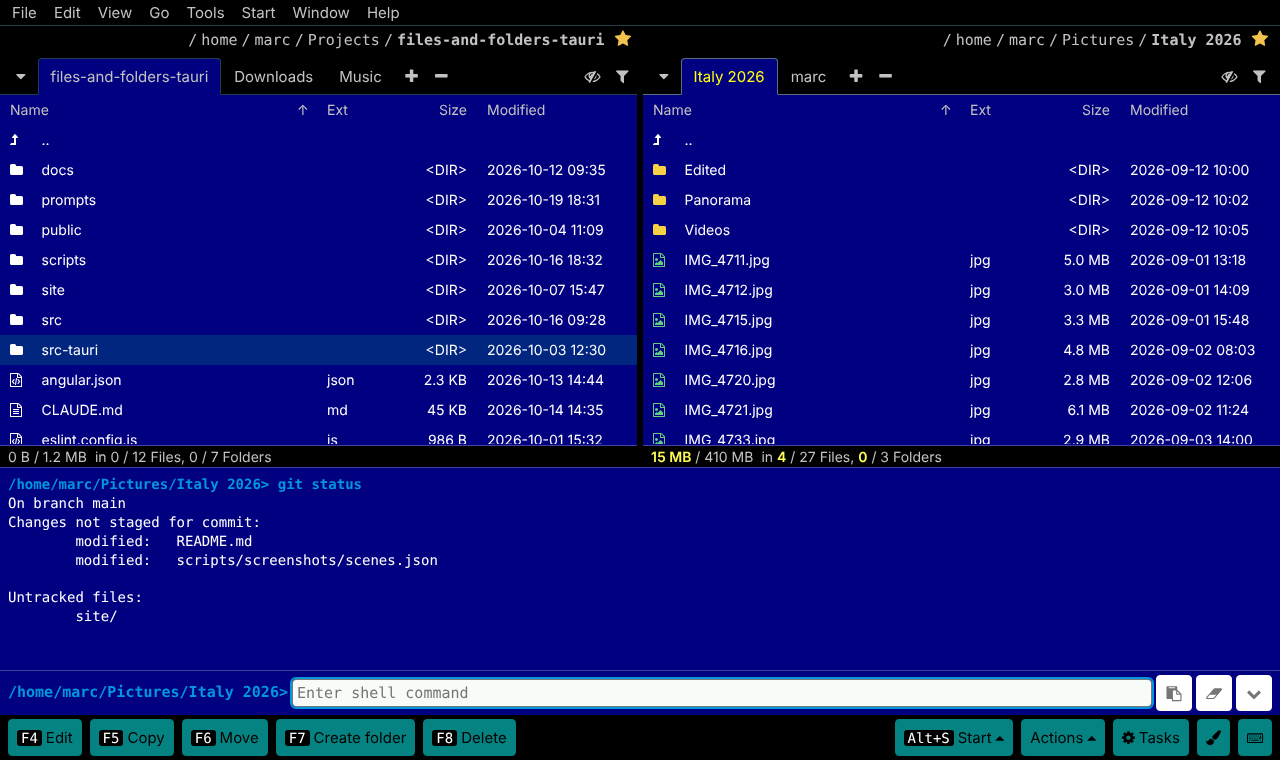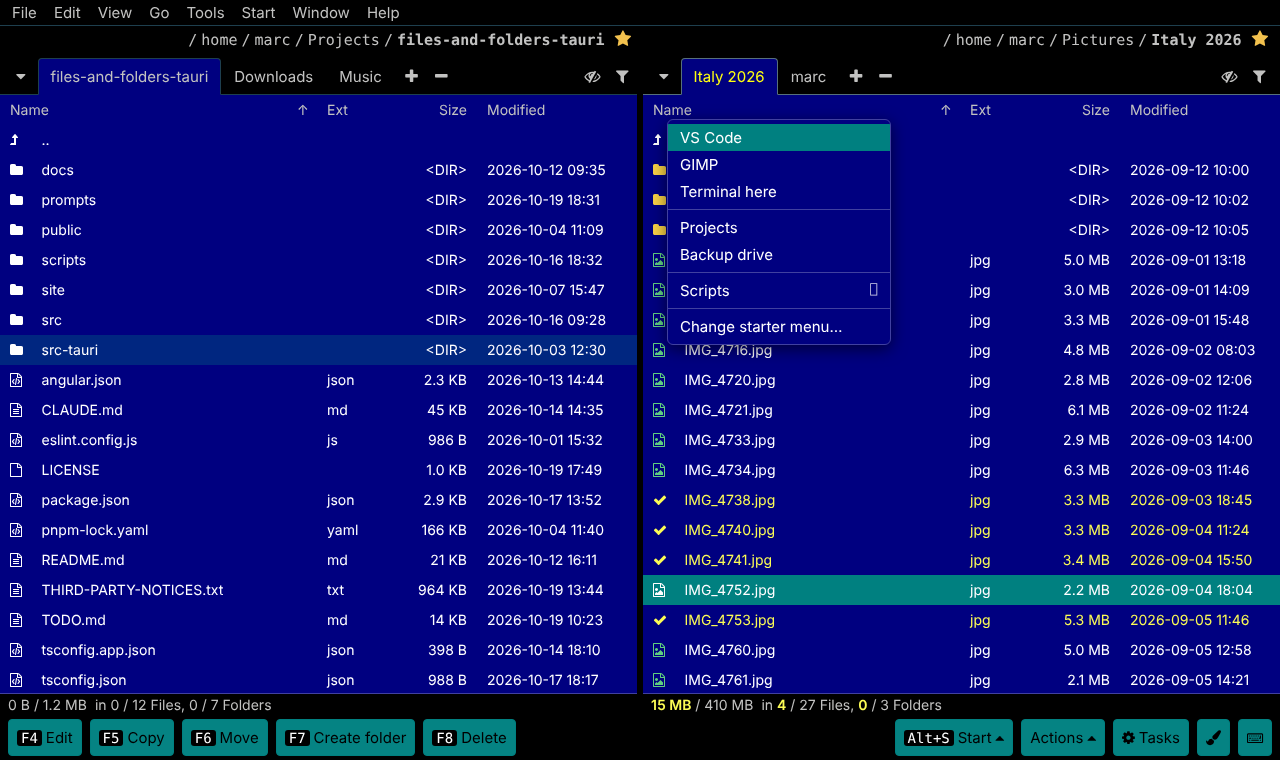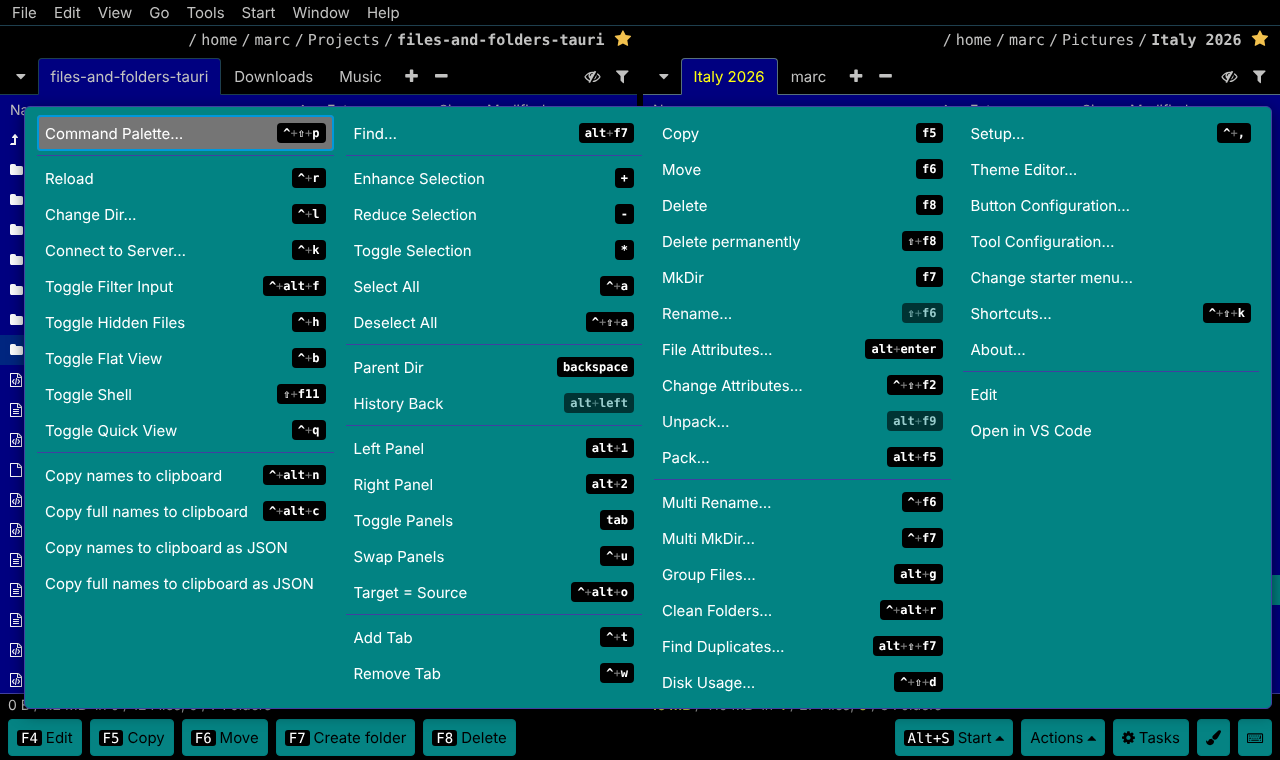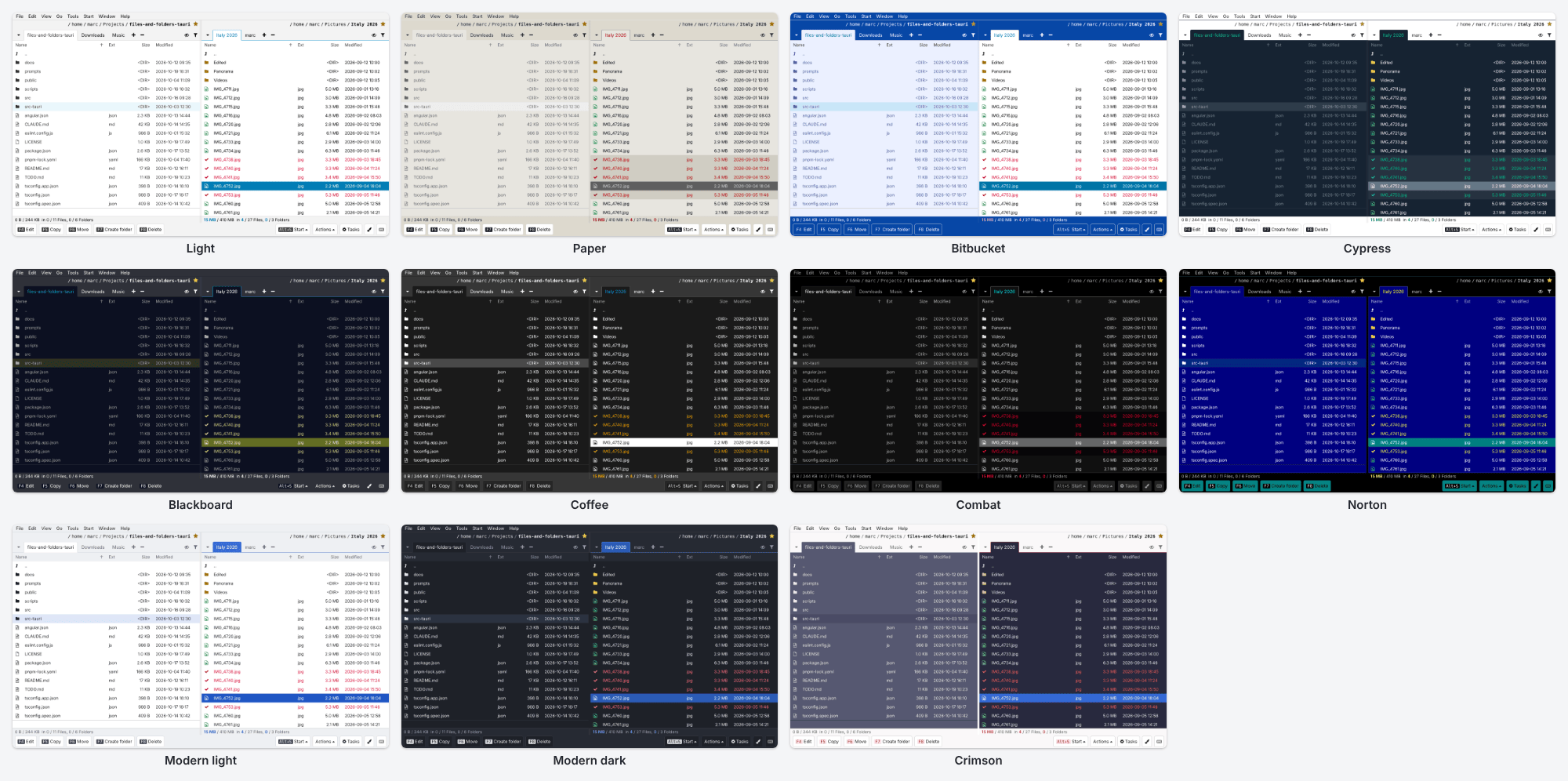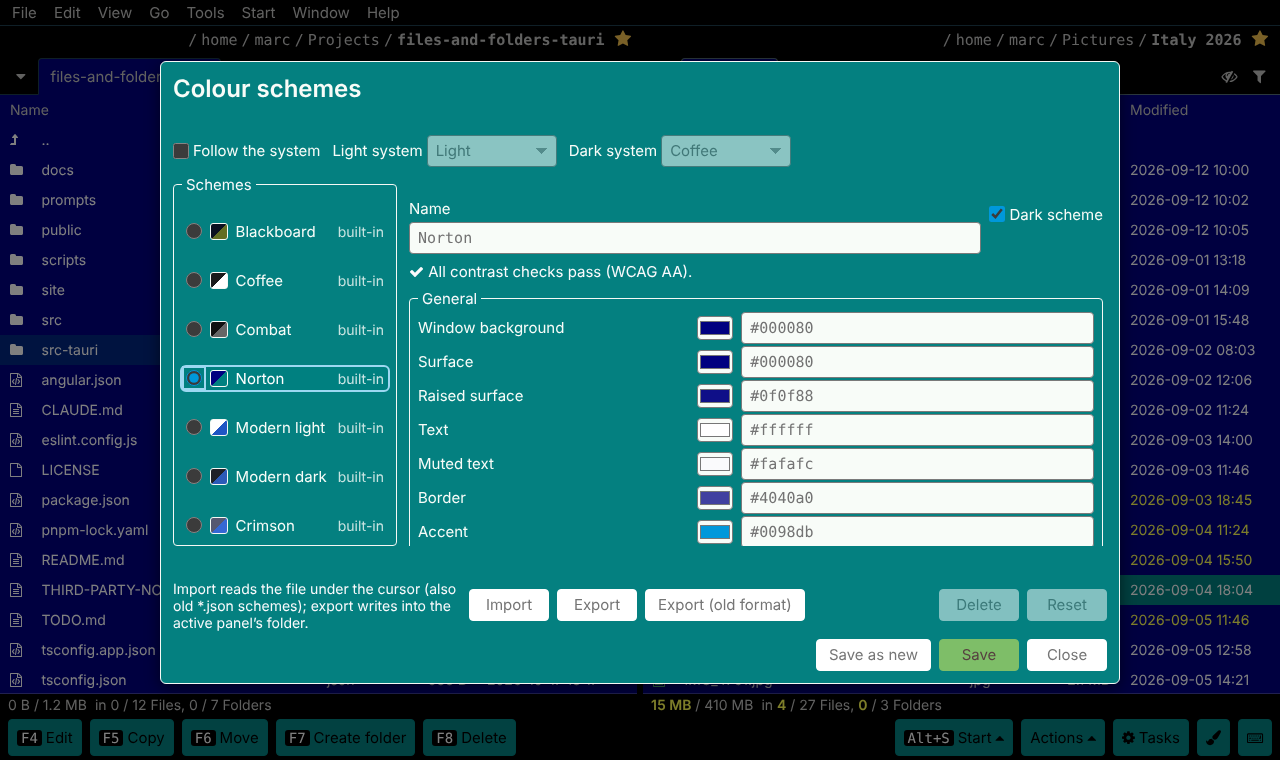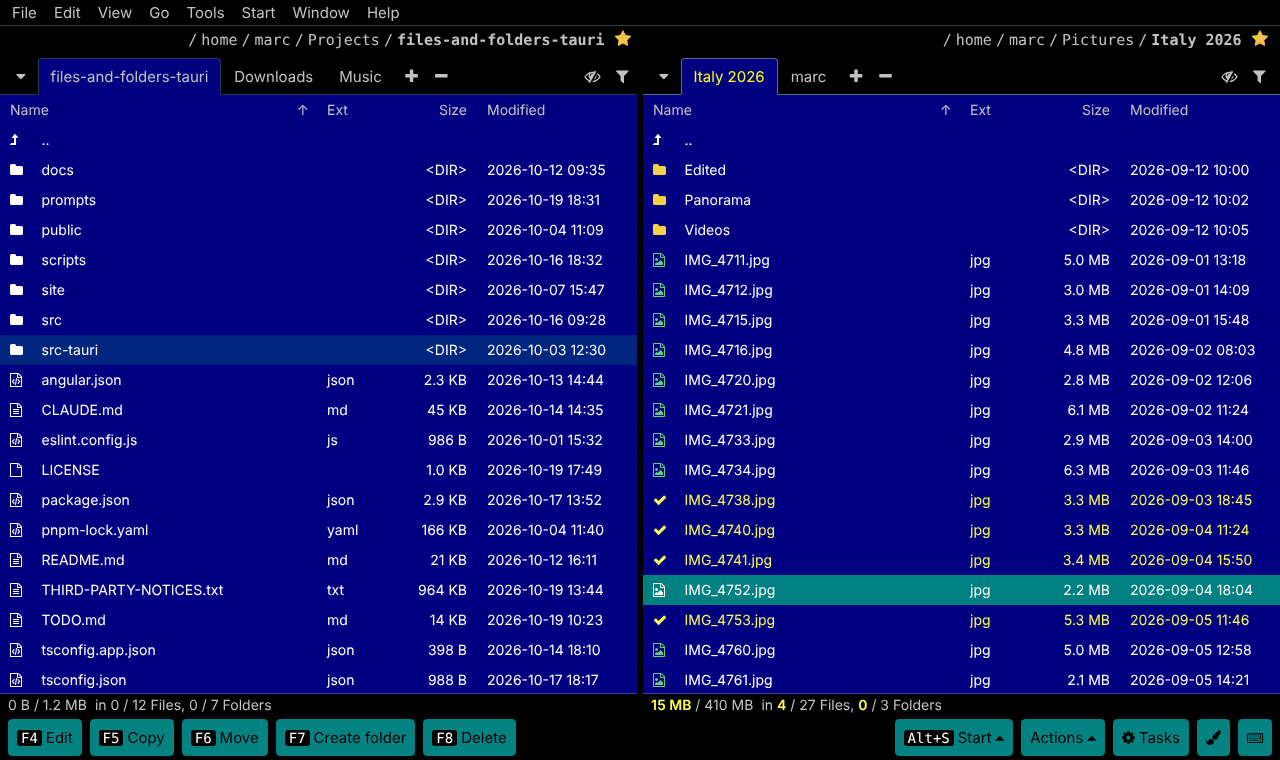
Two panels, tabs everywhere
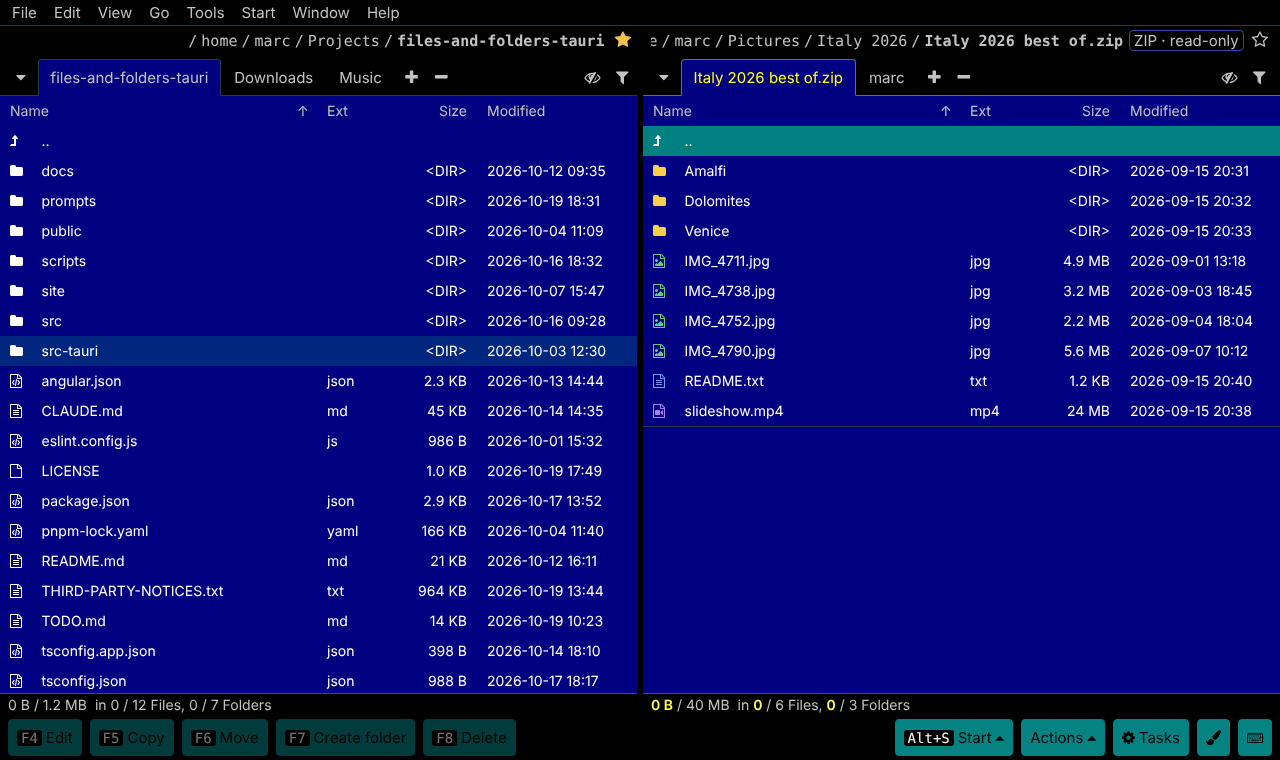
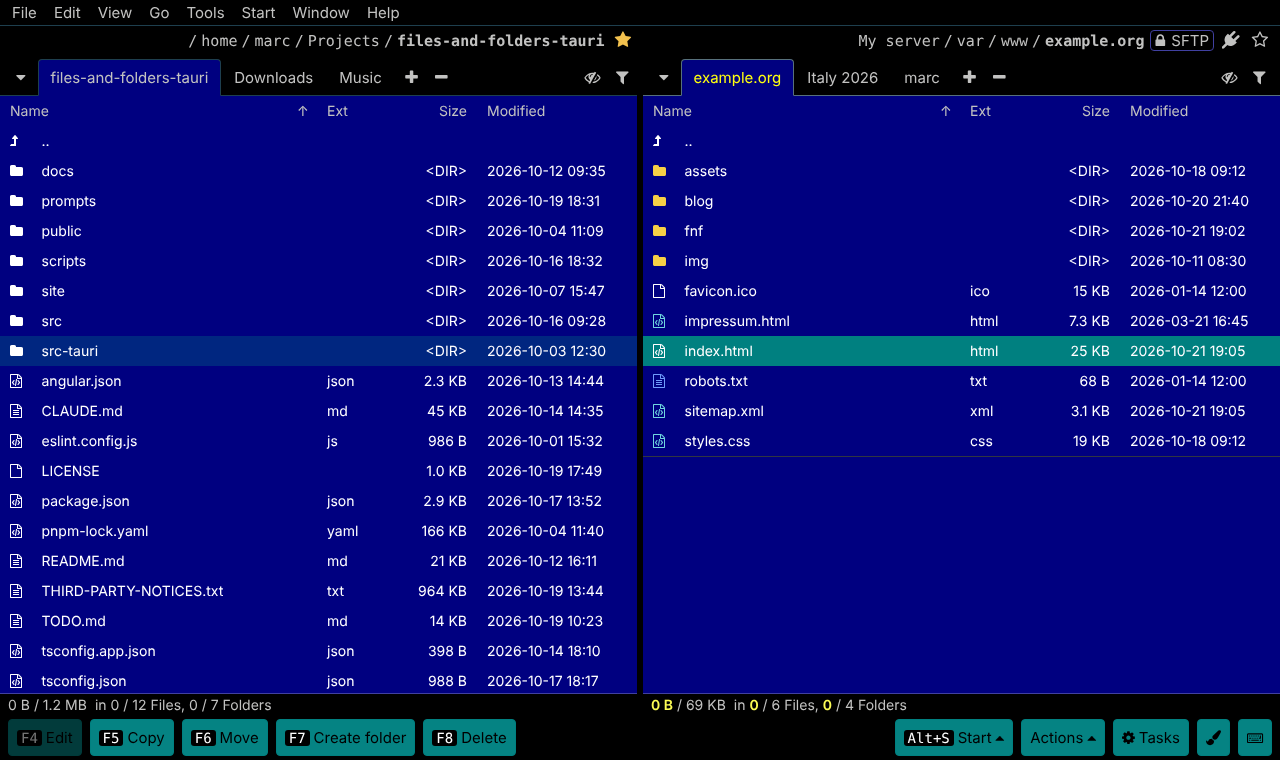
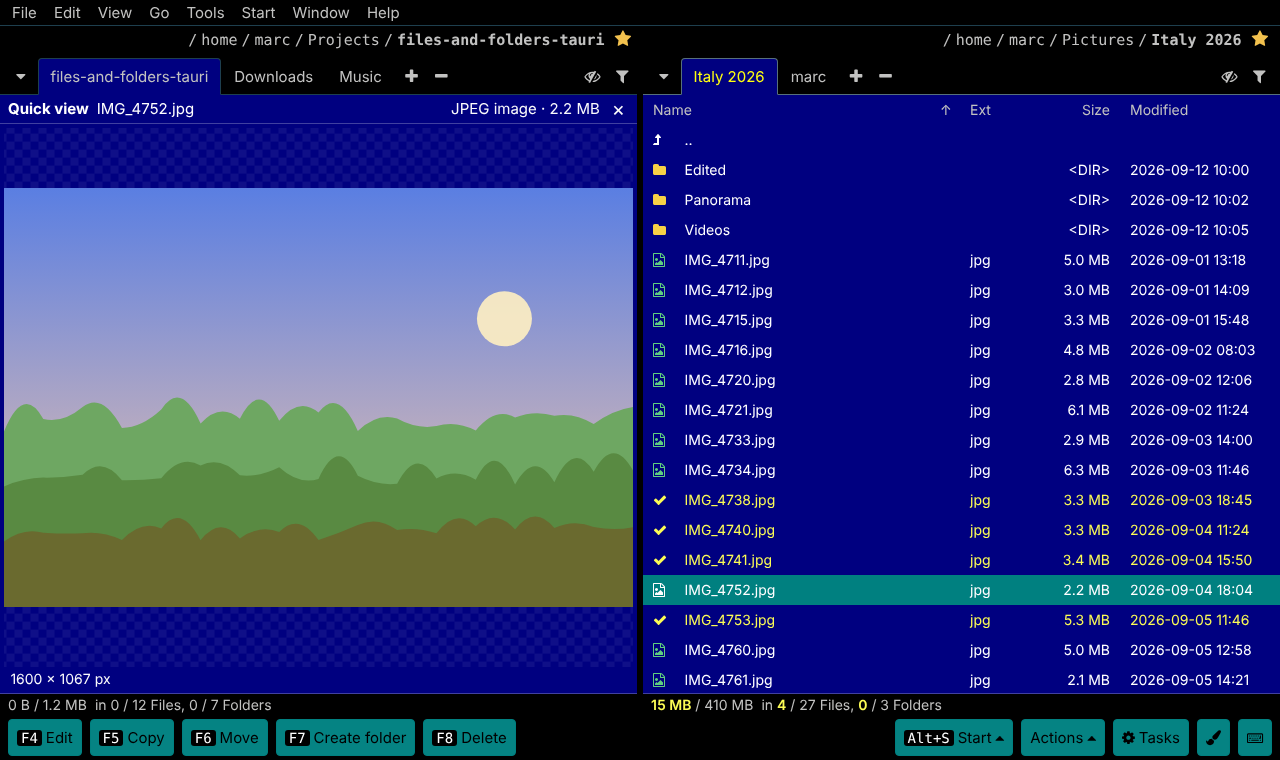
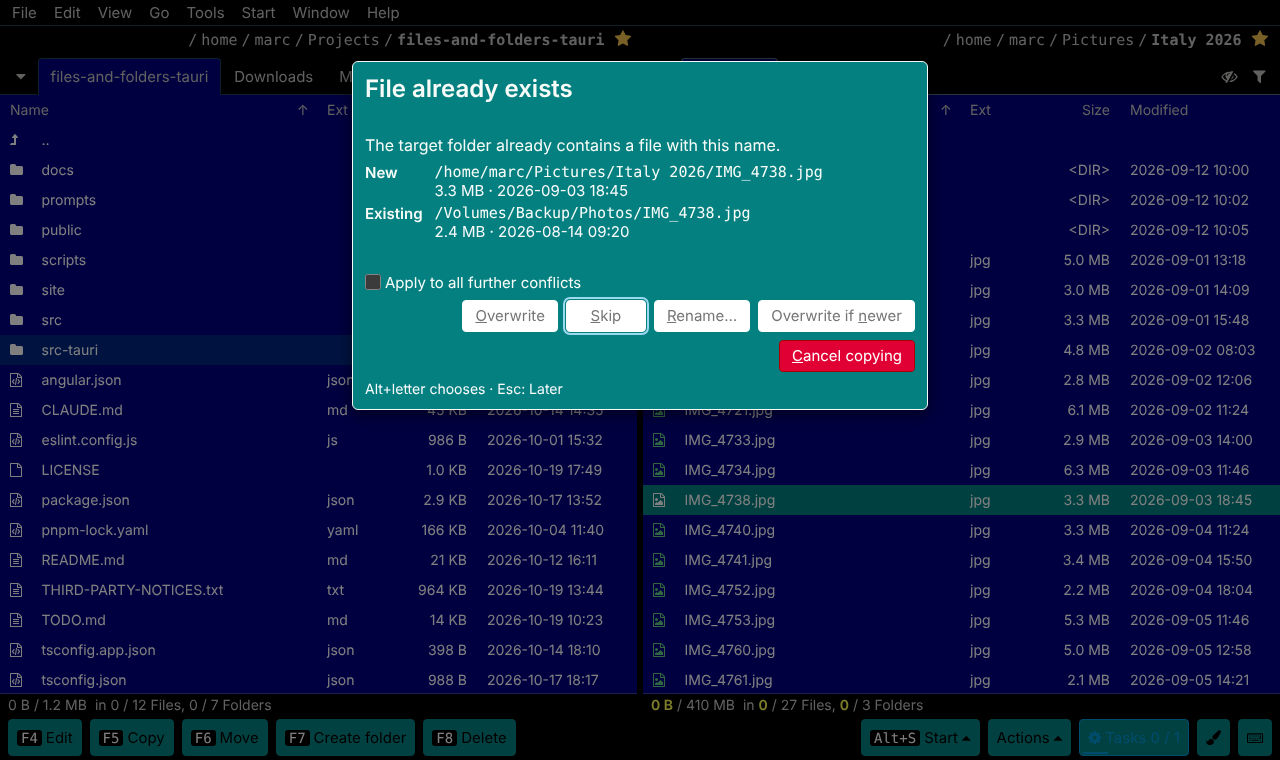
Source on the left, target on the right – the fastest way to move files around.
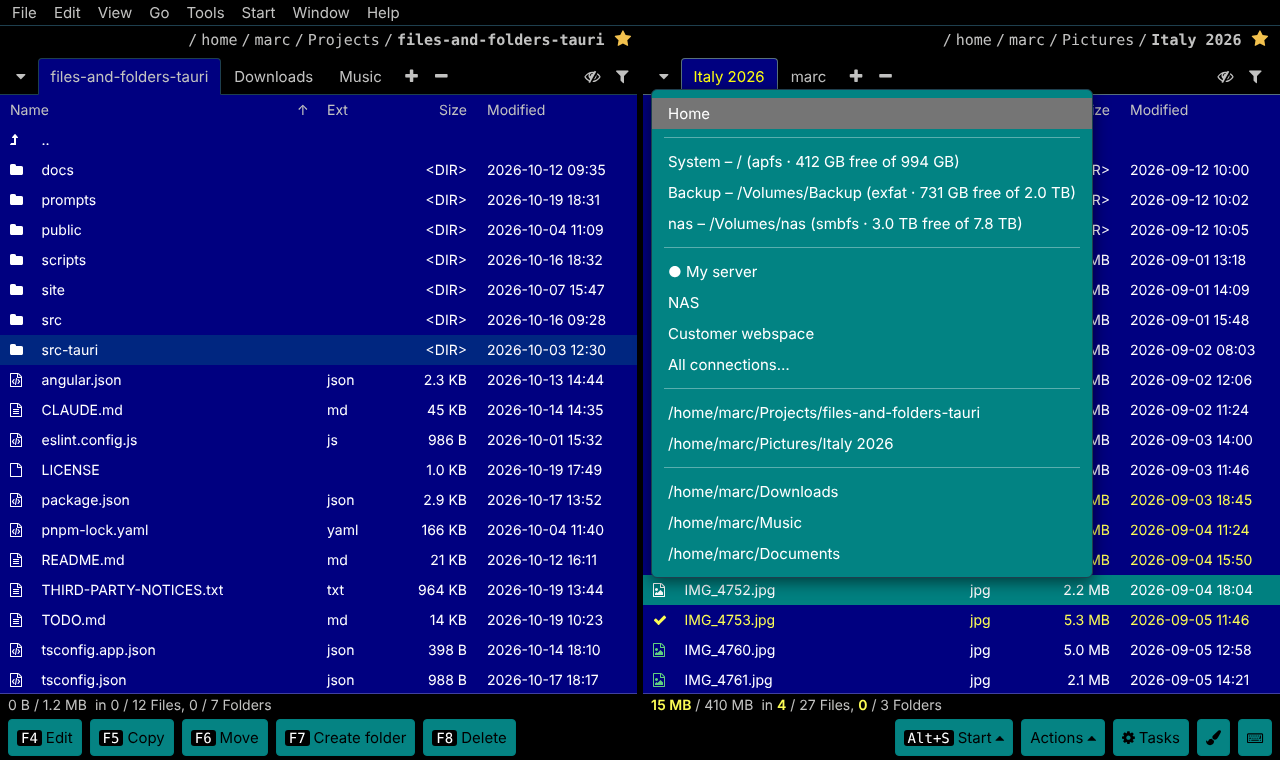
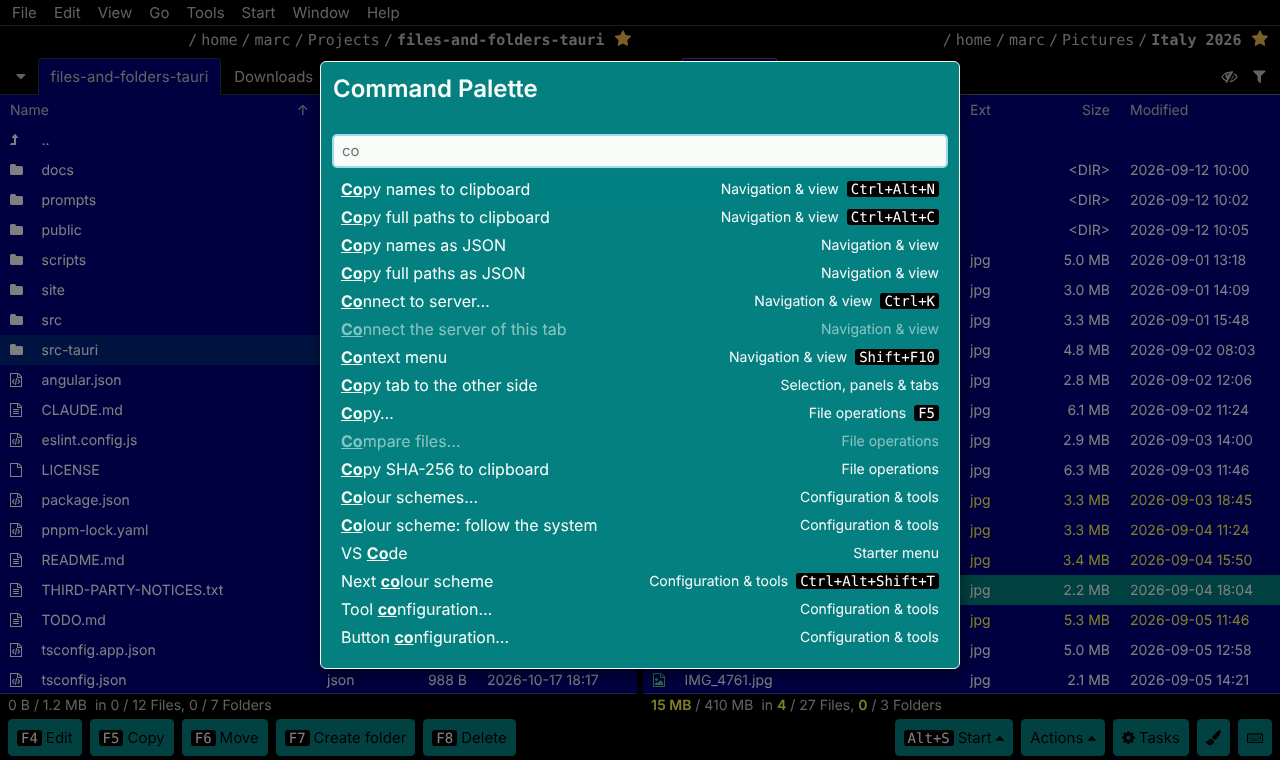
Each side has a clickable path, favourites and as many tabs as you like. Drag tabs to reorder them or onto the other side, swap the panels, or make the target show the same folder as the source. The folder menu brings drives with their free space, servers, favourites and recent folders together. Tabs, cursor, marks and sort order survive a restart – every tab even remembers its last 50 folders.
- Windows, Linux
- Tab Ctrl+T Ctrl+U Alt+F1
- macOS
- Tab ⌘⌥T ⌘U ⌥F1
![Multi rename: the pattern Italy 2026 - [C].[E] turns four photos into Italy 2026 - 0001.jpg and so on](img/multi-rename-dialog.png)